
01
Answers the question that decides the booking
The question a guest checks last before booking is answered on your own site, at the hour the tabs are open — from your pages, in their language.
A hotel chatbot answers what a guest asks before booking — parking, breakfast, the pet policy, family rooms, check-in and check-out — from your hotel or guest house's own pages, in the guest's language. At any hour, a room enquiry reaches reception with the dates, the party and any access need attached. Availability and the rate stay with whoever holds the diary, and a room-by-room access question goes to your duty manager.
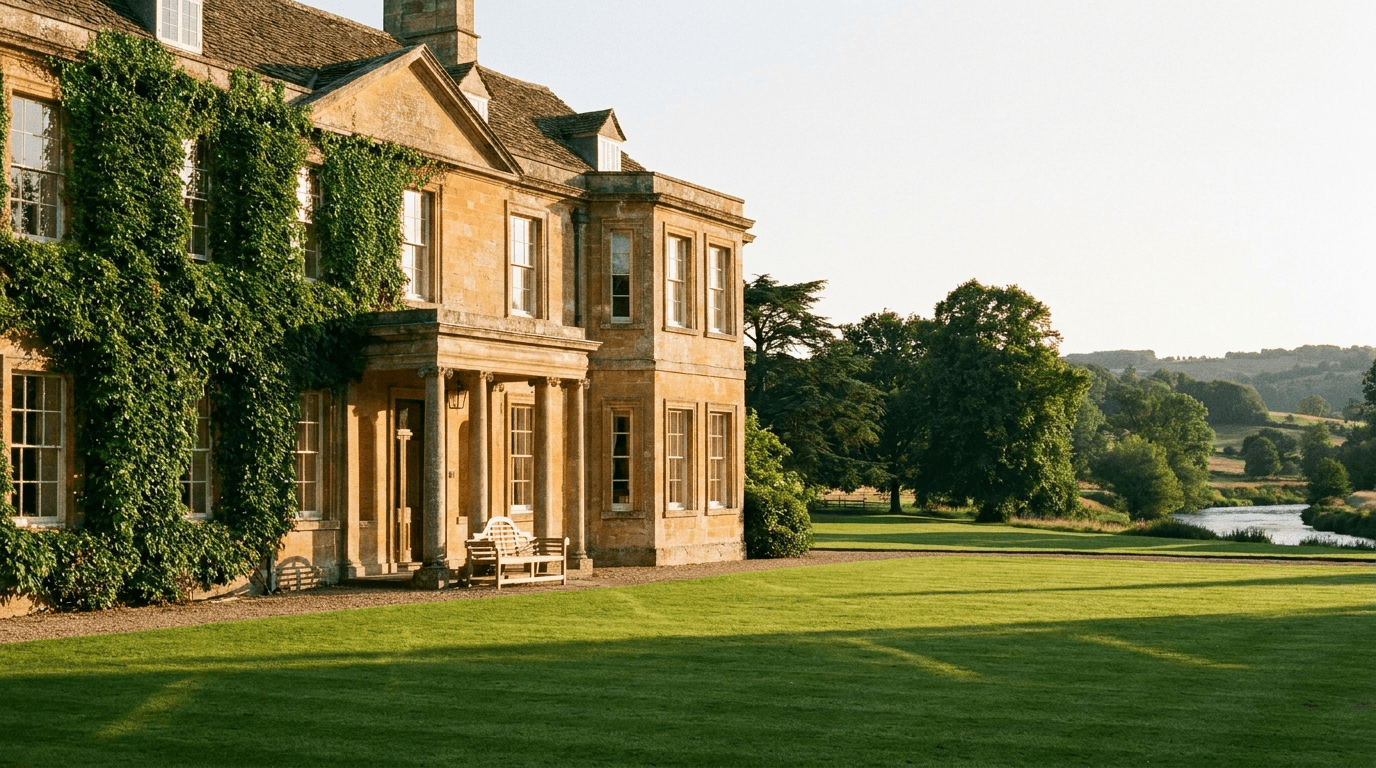 Fig. 01.A · Hotels / guest houses
 Fig. 02.A · pain quotes
The questions a guest checks before booking are already answered somewhere on your site: whether the car park is free, whether breakfast is included, whether the dog can come. What is not certain is that the guest finds the page — and an unanswered question at the moment of comparison stays unanswered, at the exact hour nobody is at the desk to take it. Reception is with the guests in front of it, the phone is ringing, and the enquiry that arrives overnight is read at breakfast.
The question a guest checks last before booking is answered on your own site, at the hour the tabs are open — from your pages, in their language.
Dates, guests, room type and access needs taken on your own page, instead of the guest leaving to ask somewhere that answered faster.
Availability, pricing and room-by-room accessibility are not its to give. Those reach your reservations team or duty manager with the guest's wording attached.
The pre-booking list, answered from your own pages — and the judgement calls (availability, rates, room-by-room access, weddings, billing) walked out of the chat window to a person.
'Do you have anything in June?' costs your team two more messages before they can even look. Adoomi asks the things reception would ask anyway — the dates, how many adults and children, which room type, whether anyone needs step-free access, whether the dog is coming — and hands the enquiry over with all of it, in the guest's own wording. It never says the room is free. The person holding the diary does that, in one reply instead of four.
 With Adoomi
 Fig. 06.A · after-hours
The enquiries that decide a stay often arrive once the office closes: a traveller in an airport lounge, a couple checking the pet policy on Sunday night, a guest whose train is cancelled and needs the key routine. Adoomi answers those from your published pages 24/7, in the guest's own language. A late arrival or key question gets your arrivals page's exact instructions and nothing invented beyond them; everything else waits, captured with a contact, for the morning.
Luggage storage, cots and extra beds, checkout, whether there is a lift — the recurring questions arrive by phone, by web chat and by email, and every one is already answered on your website. Adoomi answers them from there, which keeps the desk — or, in a guest house, the owner — free for whoever is actually standing at it. What still needs a person is what should: the accessibility question, the group or wedding brief, the billing dispute, the allergy check at breakfast.
 Fig. 08.A · controls
The assistant has no link to your booking calendar or rate plan, so it confirms no availability and quotes no price — the enquiry goes to whoever holds the diary. Accessibility is the same: it repeats what your access statement publishes and sends a room-by-room question to your duty manager, since a doorway width is not a thing to get wrong. Breakfast allergy questions reach the kitchen, billing and complaints your general manager. This does not make your property compliant with anything.
Your own pages are the whole source. Where they are silent — a rate for a specific night, a room's exact layout — the assistant says so and hands the question over.
There is no booking system behind it to be wrong about. Nothing it says can hold, block or confirm a room; the diary stays where it is, and so does the decision.
Room-by-room accessibility reaches your duty manager and a breakfast allergy reaches the kitchen, each carrying the guest's own wording rather than a summary.
Every answer is yours to approve, edit or block before go-live, and your pages are re-read on a schedule and whenever one changes — an unpublished change is still a question for the desk.
Availability is never confirmed in the chat window. The assistant has no link to your booking calendar or channel manager, so it takes the dates, the guests and the room type, then passes the enquiry to whoever holds the diary to answer with the real position.
The mechanism is design, not a promise: a guest asking about parking or breakfast gets the answer on your own site, in the hour they are asking, instead of clicking back to the travel site that answered faster. The enquiry is then captured there, with dates and room type.
Accessibility answers stop at what your access statement publishes. The assistant repeats that and no more: a question about a particular doorway, wet room or lift goes to your duty manager, because getting it wrong means a guest arrives to a room they cannot use.
Weddings and group bookings are captured with dates, numbers and a contact, then sent to your events team. A billing dispute or a complaint gets no answer at all in chat: it goes straight to your general manager, carrying what the guest wrote, ahead of routine enquiries.
Guest messages are stored in the EU. Somebody can ask for theirs to be exported or deleted under GDPR at any point, nothing they typed is written into logs, and the chat window sets no tracking cookies and leaves nothing behind in their browser.
A Free plan at £0 a month covers 50 message credits. Above it, credits come in blocks: 200 for £8, 500 for £20, 4,000 for £75. Your team's own replies never draw on them. Setup is a site connection, a read-through and one line on your website: ~10 min.
An assistant that could invent a free room would be worth less, not more. This one answers guest questions from the pages you approved — rooms, published rates, breakfast, parking, access and arrivals — and stops where those pages stop; arranging the stay itself stays with your team. Every enquiry it hands over carries the guest's own words, so reception picks up a whole question instead of a fragment. Nothing here is an outcome claim — it describes the design, and where it stops.
The pre-booking questions get their answer in the deciding hour, in the language the guest wrote in — straight from the pages you approved.
No booking calendar is connected, so availability and pricing are captured as enquiries and answered by the person who holds the diary.
The Free plan carries 50 message credits and needs no card; paid tiers start at 200 credits for £8. Setup runs to ~10 min.
From the guides library
Connect the pages a guest reads before booking — rooms, breakfast, parking, pet policy, accessibility and arrivals — then ask it the awkward ones yourself: the late key, the step-free room, the dog in a family room. Booking enquiries go to the inbox or WhatsApp number you name, access questions to your duty manager. The Free plan is £0 a month with 50 message credits and no card — the pricing page holds the full comparison, and the guardrails and handoff page shows how the declines are built.
 Fig. 12.A · Hotels / guest houses
