
01
Handles the reception list
Opening hours, registration, fees, insurers, preparation and what to bring, all taken from pages you publish — so the desk is free for the patient standing at it.
A practice inbox is mostly reception work: opening hours, how to register, what to bring, whether you take an insurer, when a prescription is ready, whether you are seeing new patients. Reception can only be in one conversation at a time. Adoomi handles that list from the pages you have approved, 24/7 and in the patient's language, then stops dead at anything clinical — symptoms, medication, results, how urgent something is — passing it to someone you named, with the enquiry attached.
 Fig. 01.A · Healthcare
All sub-verticals
Each sub-vertical has its own page with sub-vertical-specific FAQs, chat examples and imagery.
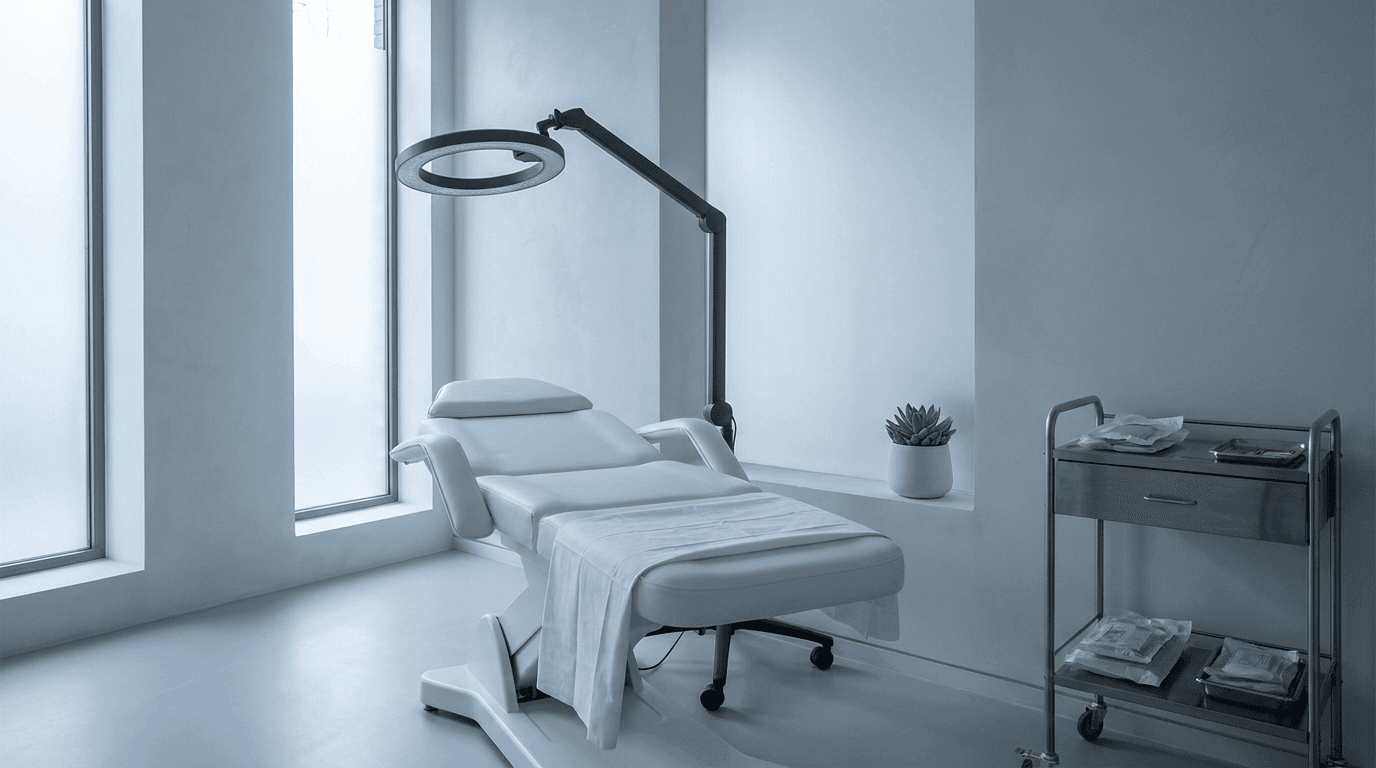
Adoomi answers treatment-list, consultation-fee, downtime and aftercare-policy questions from your own clinic pages, then passes 'is this right for me', dosing and outcome questions to a clinician rather than attempting them.
Explore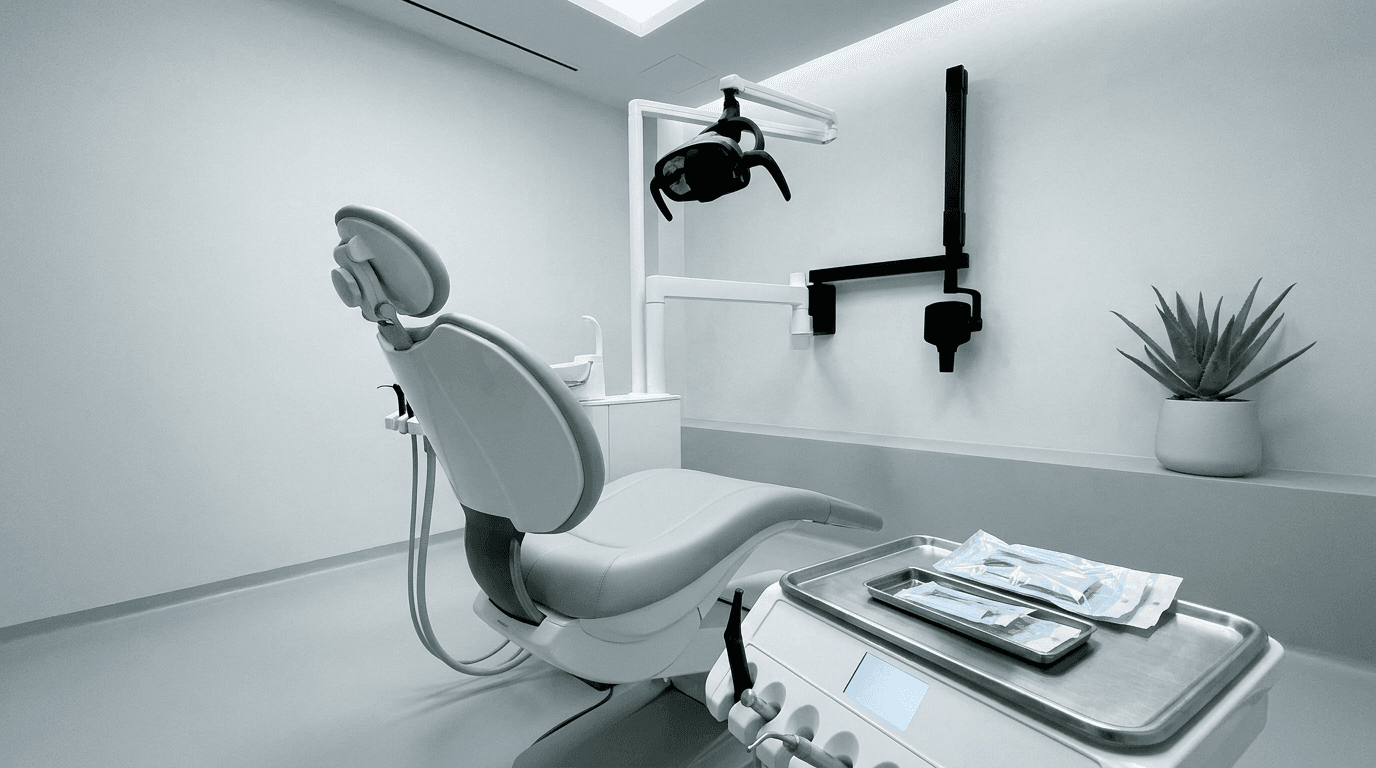
Adoomi answers opening times, NHS and private mix, hygienist fees, emergency-slot policy and new-patient registration from your pages, and routes pain, swelling, medication and X-ray questions to the clinical team.
Explore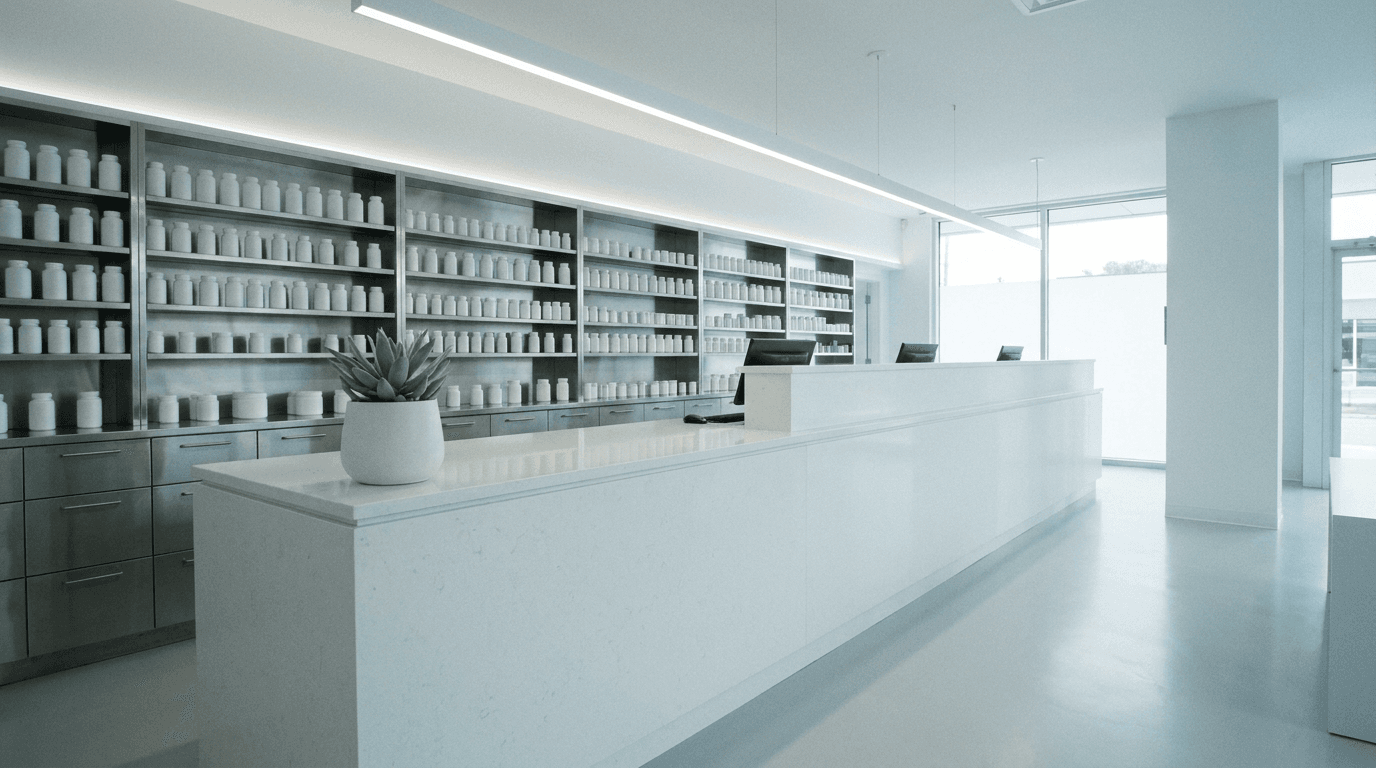
Adoomi answers opening hours, prescription collection, delivery, vaccination and travel-clinic questions from your pages, and refers dosing, interaction and symptom questions to the pharmacist on duty.
Explore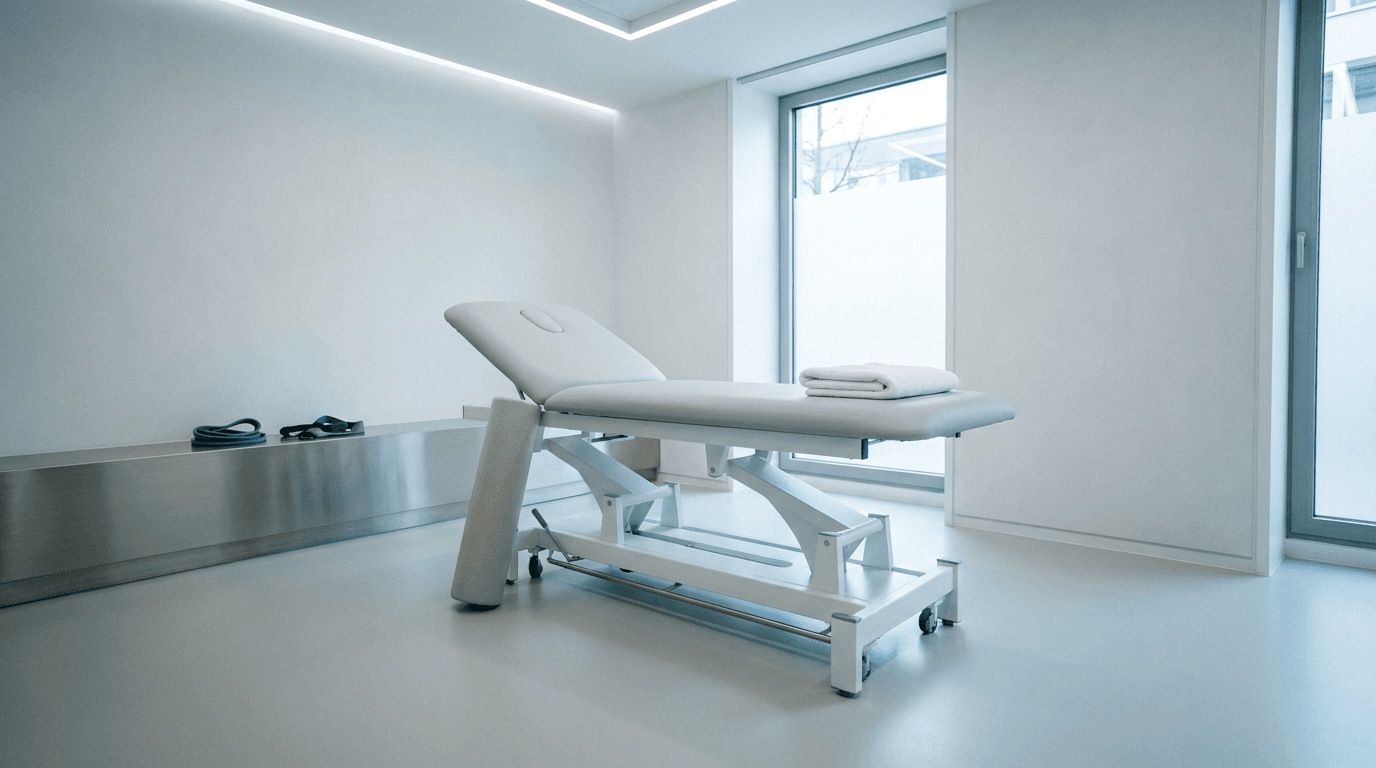
Adoomi answers which conditions you treat, session fees, insurers accepted and what to wear or bring from your pages, and leaves 'what's wrong with me' and exercise advice to a physiotherapist.
Explore
Adoomi answers same-day availability, how to register, consultation fees and which services you run from your pages, and hands symptom, results and 'should I be worried' questions to a GP.
Explore
Adoomi answers which modalities you offer, session fees, insurer cover and what a first session involves from your pages, and signposts anyone in distress to the crisis lines your practice publishes before routing them to a person.
Explore
Adoomi answers registration, consultation-fee, vaccination-schedule and pet-passport questions from your pages, and escalates sick-pet and emergency enquiries to the vet on call or your out-of-hours service.
Explore Fig. 02.A · pain quotes
The questions that fill a practice phone are rarely clinical — 'do I need to fast beforehand', asked before the doors open and long after they shut. Meanwhile the patient who genuinely needs a clinician waits in the same queue, and the practice loses twice: routine enquiries sit unanswered until someone is free, and the one that mattered most looked exactly like the rest.
Opening hours, registration, fees, insurers, preparation and what to bring, all taken from pages you publish — so the desk is free for the patient standing at it.
Service, new-patient status, insurer, preferred day and best contact captured up front — without asking anyone to describe their symptoms in a chat window to get seen.
Symptoms, medication, results and urgency stop the assistant and start a handover, with your published guidance surfaced and the enquiry passed to a named person.
The reception list, taken straight from what your site already says; anything clinical handed to your team with your guidance surfaced.
A patient enquiry is only useful when it says who, what and when. Adoomi asks the reception-level questions your team asks anyway: which service, new patient or already registered, insurer or self-funding, preferred day, best number — and it does not ask anyone to describe their symptoms in a chat window to get an appointment. What arrives is an enquiry your team can close in one call, captured without pulling a clinician out of a room.
 With Adoomi
 Fig. 06.A · after-hours
Evenings and weekends are when patients research and worry. Adoomi carries on with the reception list at those hours, straight from your site, and leaves the morning desk a briefed queue. Where a message sounds urgent it does not judge how urgent — it repeats the instructions your practice already publishes: your own urgent line, 111 for urgent NHS advice, 999 in an emergency. Then it routes the enquiry to the person you named rather than leaving it to be found on Monday.
The reception list repeats every week in every practice, and every line of it is already on your website. Adoomi answers it from there, so reception can give its full attention to whoever is actually at the desk. What still reaches a person is what needed a person: the appointment that has to be juggled, the vulnerable caller, the clinical question that was never the assistant's to answer. Each of those arrives briefed — the patient's own words carried by a WhatsApp handoff or an email alert to whoever you set.
 Fig. 08.A · controls
The clinical line holds. Adoomi answers the reception list from your approved pages and nothing beyond them. It will not discuss symptoms, advise on medication, interpret a result or judge urgency — each becomes a handover, surfacing the guidance you publish. Safeguarding and vulnerable patients go to a named person, not a shared inbox. Patient messages are unusually sensitive: chats are EU-hosted, GDPR-exportable and deletable, no content in logs. None of that makes a practice compliant.
Hours, registration, fees, preparation and services, answered from pages you approved. Nothing outside that content becomes an answer.
Symptoms, medication, results and urgency stop the assistant. It surfaces your published guidance — your urgent line, 111, 999 — and passes the enquiry on.
Vulnerable-patient and safeguarding concerns route to the individual you name, rather than a shared inbox the whole practice can read.
Conversations are EU-hosted, exportable and deletable under GDPR, and no message content is written to logs. This assists your obligations; it does not replace them.
Dental practices, private GP clinics, pharmacies, physiotherapy clinics, cosmetic clinics, psychology and therapy practices and veterinary surgeries have a page each, written around that setting's real reception questions rather than healthcare in general.
Clinical questions are always a handover. Symptoms, medication and dosing, test results, whether something is serious and how soon someone should be seen all sit outside what the assistant may answer, whatever a patient types. It surfaces your published guidance and passes the enquiry on.
Urgent messages are not triaged, because judging urgency is a clinical act. The assistant repeats the instructions your practice publishes — your urgent line, 111 for urgent NHS advice, 999 in an emergency — and routes the conversation to a named person instead of the routine queue.
Patient messages are treated as sensitive by default. Conversations are hosted in the EU, exportable and deletable on request under GDPR, and no message content is written to logs — records carry IDs, not what someone wrote. The chat window leaves no tracking cookies behind.
Routine booking enquiries are captured in full — service, whether the patient is already registered, insurer or self-funding, preferred day and best number — then routed to reception. The assistant does not decide clinical priority or offer a slot your pages do not publish.
Plans start free: £0 a month covers 50 message credits while you evaluate it, then Local is £8 for 200, Growth £20 for 500 and Scale £75 for 4,000. Set-up runs to ~10 min — connect the site, review the answers, add one line — and nothing goes live until you have signed every answer off.
The practice does, before go-live. You approve the content it may draw on, check the answers it drafts, and set where handovers land: clinical to your clinical team, safeguarding to a named person. It does not learn from conversations or change behaviour without sign-off.
Healthcare chatbots usually fail in one of two directions: they overreach into symptom-checking, or they are a contact form with a friendly face. Adoomi is narrow on purpose. It does the reception job properly — from your approved content, at any hour, in the patient's language — and treats every clinical question as a handover rather than a challenge. Those behaviours are built in by design, not promised: no answer without a source, no price invented, no urgency judged.
Hours, registration, fees and preparation questions are answered from your own site, in the patient's language, whenever they are asked.
Symptoms, medication, results and urgency are never answered — each one stops the assistant and becomes a handover with your own guidance surfaced.
Safeguarding concerns and vulnerable patients reach an individual you name, not a shared inbox, the moment they appear.
Point Adoomi at your service, fees and registration pages, name who takes anything clinical and who takes a safeguarding concern, then put your most awkward question to it before a patient does. The whole set-up fits inside ~10 min, and £0 buys 50 message credits on the Free plan while you make up your mind.
 Fig. 12.A · Healthcare
